Instagram recipe guide
Save Instagram recipes you can actually cook
A bookmark keeps the post. Schmaus turns the useful parts of a public recipe post or Reel into a recipe in your own cookbook, ready when you need it.
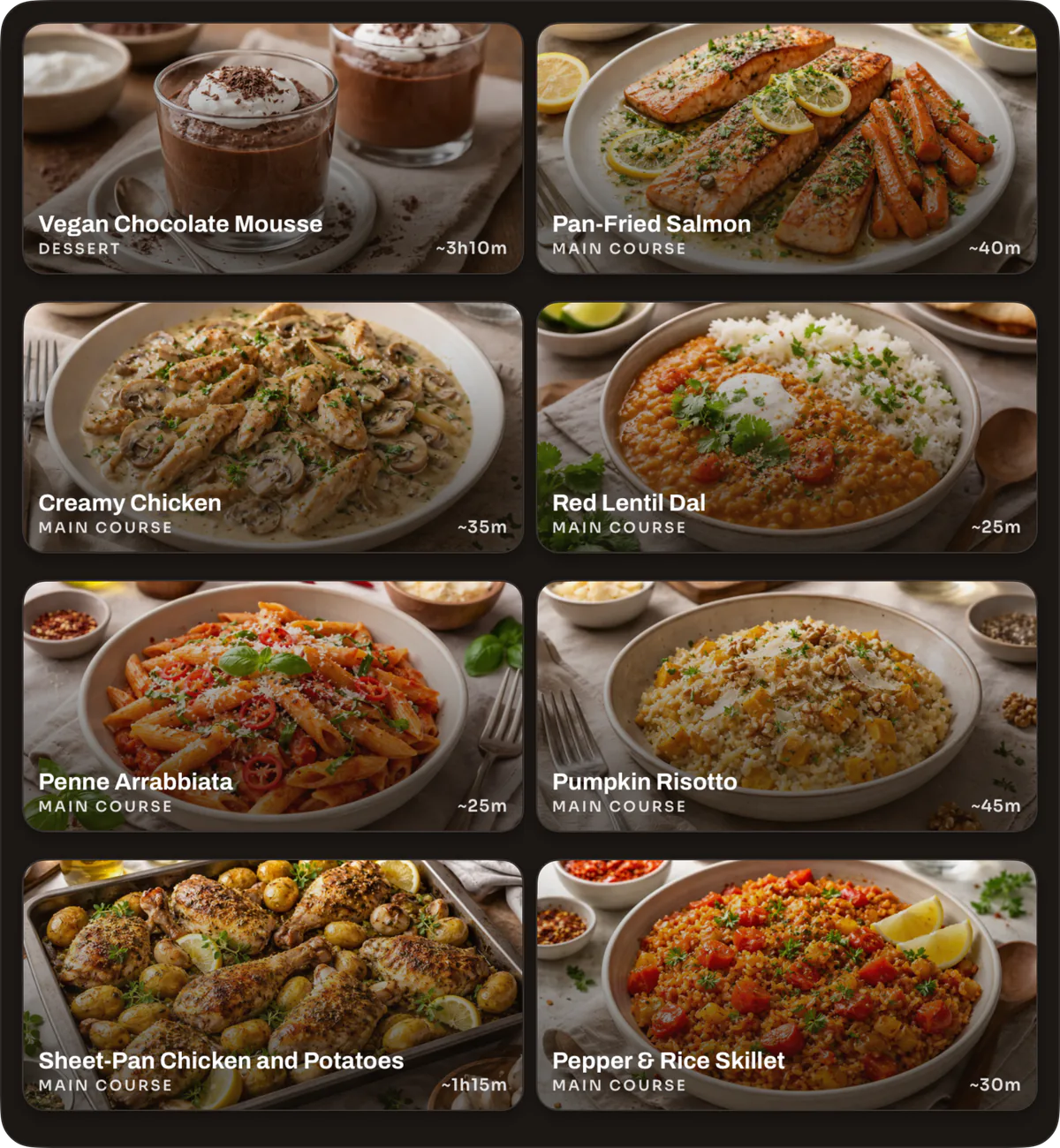
Can you save recipes from Instagram?
Yes. Share a public Instagram recipe post or Reel to Schmaus, or paste its link into recipe creation. Schmaus uses the information it can access to prepare ingredients and instructions. Review the result before cooking, especially when the creator leaves quantities out.
From an Instagram post to a usable recipe
Instagram is good at helping you discover food, but a saved-post folder is awkward in the kitchen. The ingredient list may sit in the caption, a method may appear only in the Reel, and the post can be hard to find again. Schmaus gives that recipe a stable place beside the rest of your collection.
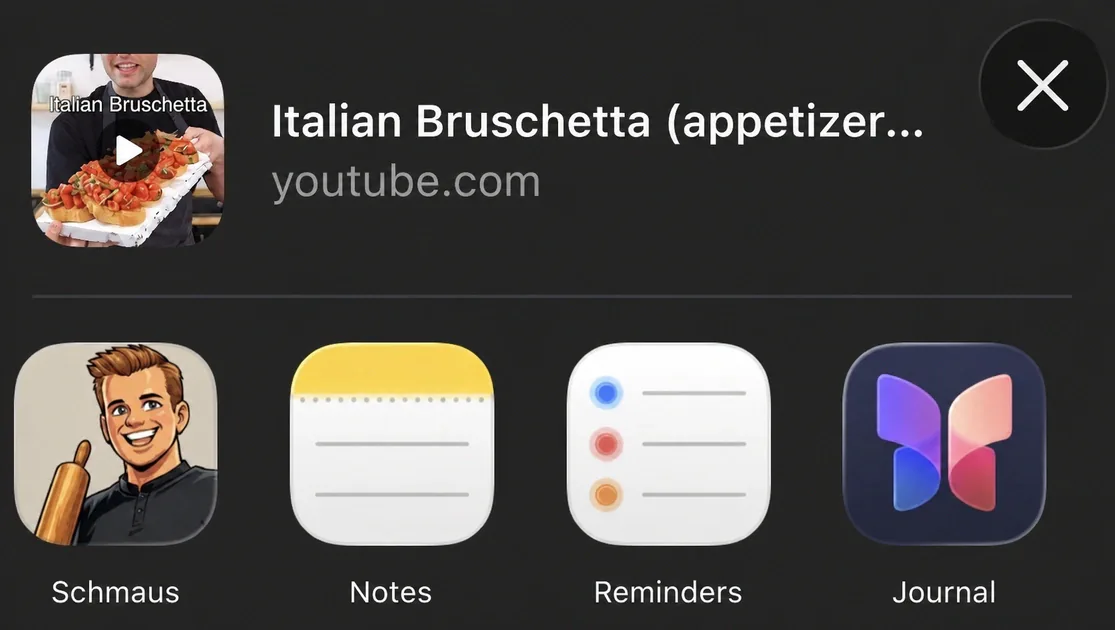
The quickest route uses the share sheet on your phone. You stay in Instagram, send the post to Schmaus, and finish the import there. Copying the link works too when Schmaus does not appear in the share sheet yet.
- Open the public post or Reel that contains the recipe and tap Share.
- Choose Schmaus. If it is hidden, open the full app list and add it to your share options.
- Wait for the recipe to appear in your cookbook, then check its title, servings, ingredients and steps and edit anything that needs correction.
What Schmaus can read — and what can block an import
Schmaus works from information available with the shared link. That can include the caption, public page details and, where available, content from the Reel. It then structures those details as a recipe instead of storing a loose note. The source link stays useful for context and credit.
No importer can recover details that the creator never published. Private accounts, removed posts, login or age gates, regional limits and temporary Instagram failures can stop access. A video that says “season to taste” will not suddenly contain an exact salt amount. In those cases, add the missing detail yourself or import screenshots and notes that you are allowed to use.
- Public recipe posts and Reels give the importer the best chance of a complete result.
- Clear quantities in the caption or on screen reduce the amount you need to correct.
- Keep the source link for credit, and use the subtitle for the creator if you want that name visible in your cookbook.
Review once, then use the recipe like any other
After import, the result is not trapped inside a social feed. You can correct a unit, change the number of servings, adjust the subtitle or steps, and keep the recipe with the dishes you already cook. That short review matters because video recipes often rely on visual cues or omit small steps.
Once the recipe looks right, it can take part in the rest of Schmaus: open it in the ad-free cooking view, add it to a group, or combine its ingredients with other recipes in a shopping list. If you later find a better version, you can edit your saved copy without hunting for the post again.
A small habit that keeps your collection useful
Import recipes you expect to cook, not every food video that passes your screen. Give each saved recipe a clear title and check that the core quantities make sense. A tidy cookbook with complete recipes is faster to search than another large folder of bookmarks.
For a TikTok link, use the dedicated TikTok workflow. For a paper recipe, screenshot, scan or PDF, upload the file itself so Schmaus can read the document rather than a social link.