TikTok recipe guide
Turn TikTok recipes into a real cookbook
Keep the idea you found on TikTok without replaying a video at every step. Schmaus turns the available details into a recipe you can check, edit and cook from.
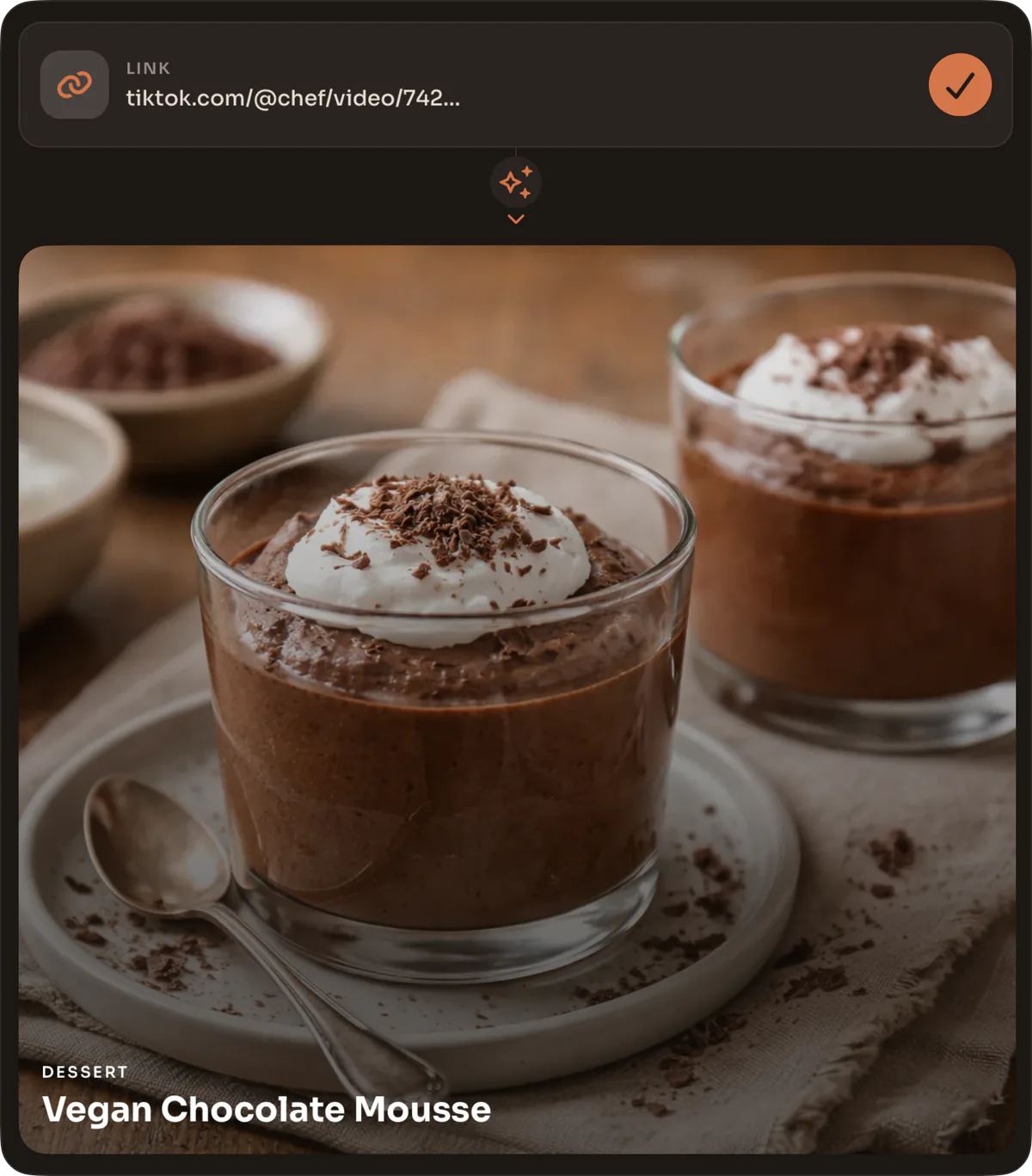
What is the easiest way to save a TikTok recipe?
Use TikTok’s Share action and choose Schmaus, or paste the public post link into recipe creation. Schmaus reads the details it can access from the video or photo post and creates a recipe. Check quantities and instructions after it appears in your cookbook.
Share the post instead of transcribing the video
Short cooking videos often split a recipe across spoken instructions, on-screen text and the caption. Pausing for every amount is slow, and a favorite can disappear into a long list. Sharing the link gives Schmaus one source to work from and keeps your copy in a searchable recipe library.
You do not need to download the video. The public link is enough when TikTok makes the post details available. This also avoids filling your camera roll with clips that still need to be transcribed later.
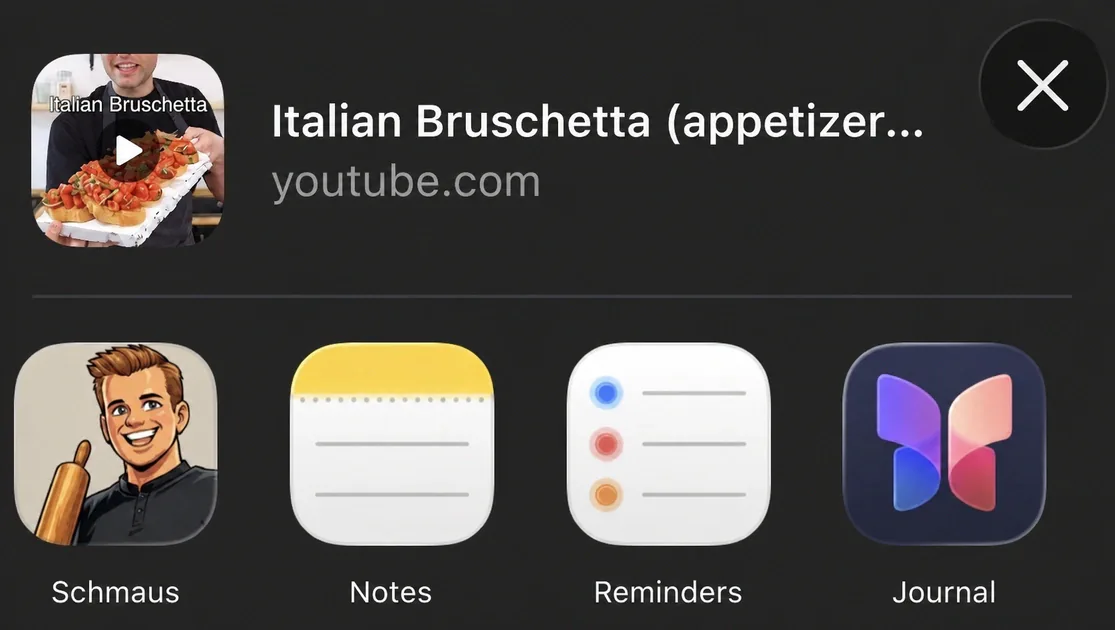
- Open the public TikTok video or photo post and tap Share.
- Pick Schmaus, or copy the link and paste it into a new recipe in Schmaus.
- Wait for the recipe to appear, compare it with the original, and correct any missing or unclear details.
Video, photo post and short-link support
TikTok recipes come in several forms. A video may explain the method aloud, a photo post may put one step on each slide, and a caption may hold the complete ingredient list. Schmaus handles the shared link as one recipe source and uses the public material it can retrieve.
Short TikTok links normally resolve to the original post, but access is never guaranteed. Private profiles, deleted posts, login gates, region limits and changes on TikTok’s side may leave too little information to import. If you have permission to use the material, screenshots or your own notes can provide the missing text through the photo and document importer.
What the saved recipe gives you
A good import separates the title, servings, ingredient lines and cooking steps. That structure is the useful part: you can search for the dish later, scale the recipe, use AI-assisted editing to record what worked, and read the method without keeping the TikTok interface open beside the stove.
The original post remains the source, while your saved recipe can reflect your kitchen. Fix a unit, add the oven setting the creator mentions late in the video, or use AI-assisted editing to include the substitution you used. Schmaus does not lock the generated recipe after import.
- Use cooking mode when you need large, clear steps without ads around the recipe.
- Add the recipe to a group when you are planning a meal with other people.
- Combine its ingredients with other planned dishes in one shopping list.
When another import route is better
Use the TikTok link when the post itself is the source. If the recipe came from a cookbook page, a handwritten card, a screenshot or a PDF, upload that image or document directly. Schmaus can then read the actual page rather than relying on a social post that points to it.
For a full collection exported from another recipe manager, use archive import. Paprika, Mealie, Tandoor and Nextcloud Cookbook exports are read directly without an AI conversion, which is both faster and more exact for a move between apps.